SwiftUI previews → snapshot tests

Previews, ready to test.

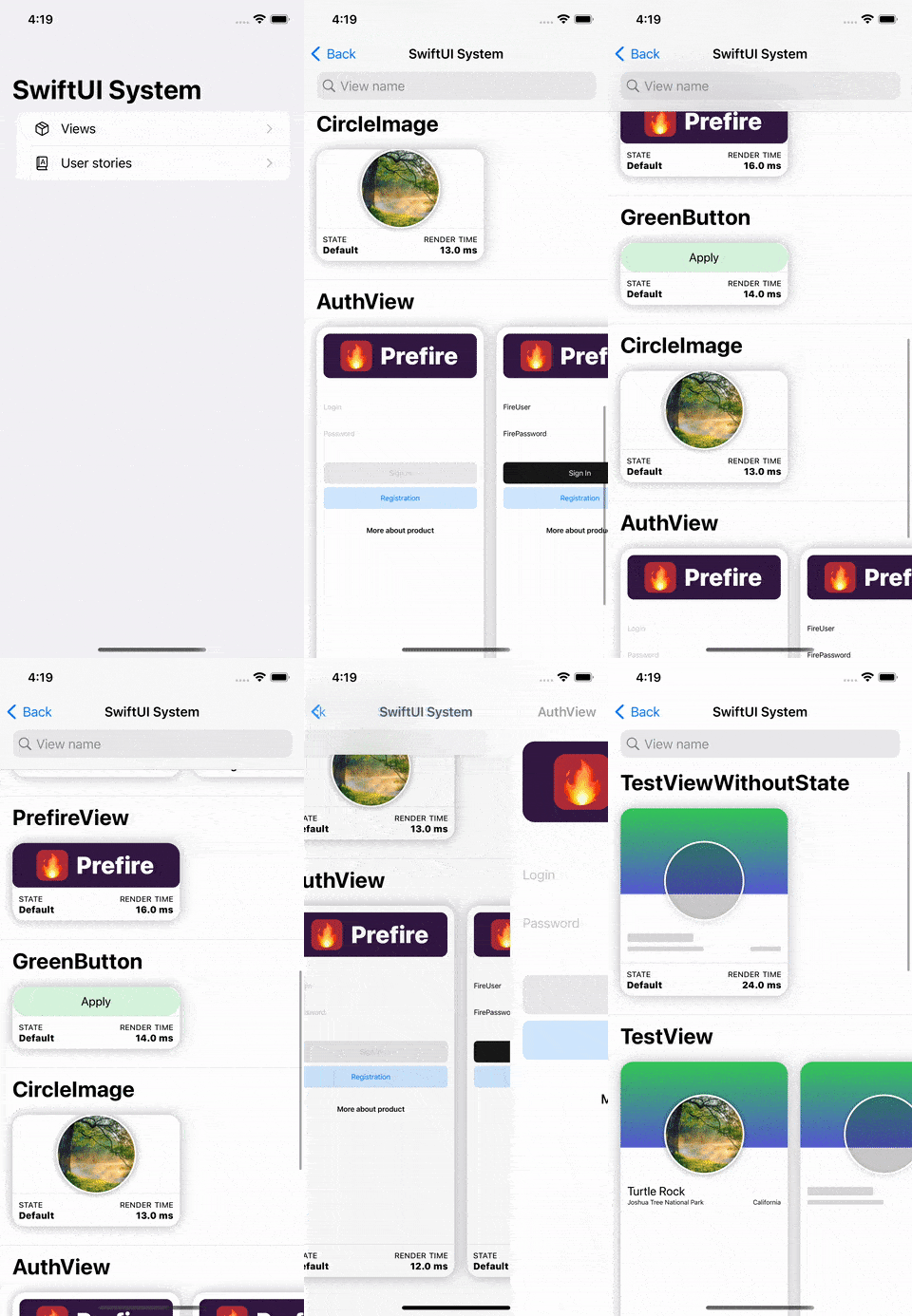
Prefire reads #Preview and generates snapshot tests plus an iOS Playbook. No second set of UI states.

One source

One preview. Two outputs.

The states already in your project become tests and a visual catalog.

01 — 02

Tests and Playbook.

One set of preview states becomes repeatable checks and a browsable interface catalog.

Snapshot testsiOS · tvOS · macOS
PlaybookiOS
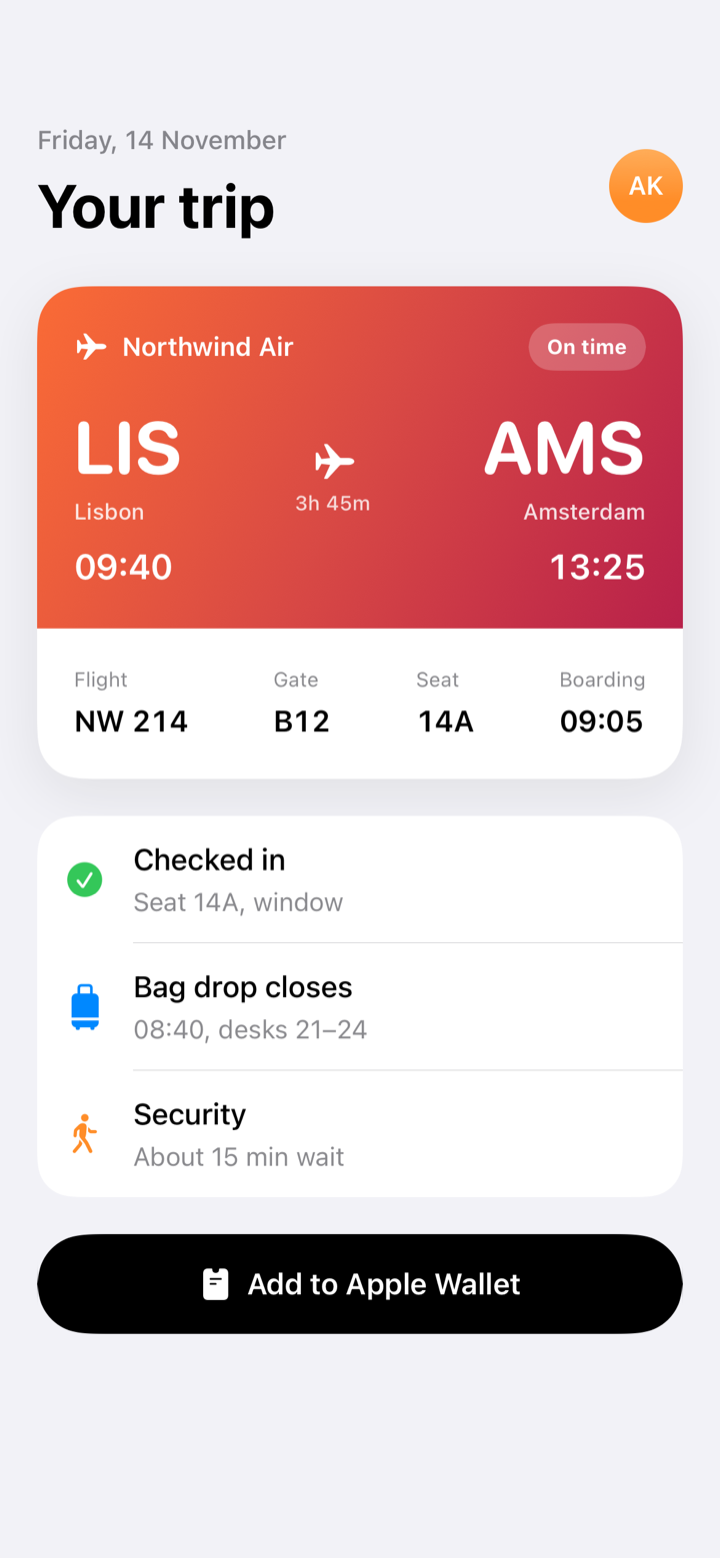
Snapshot tests
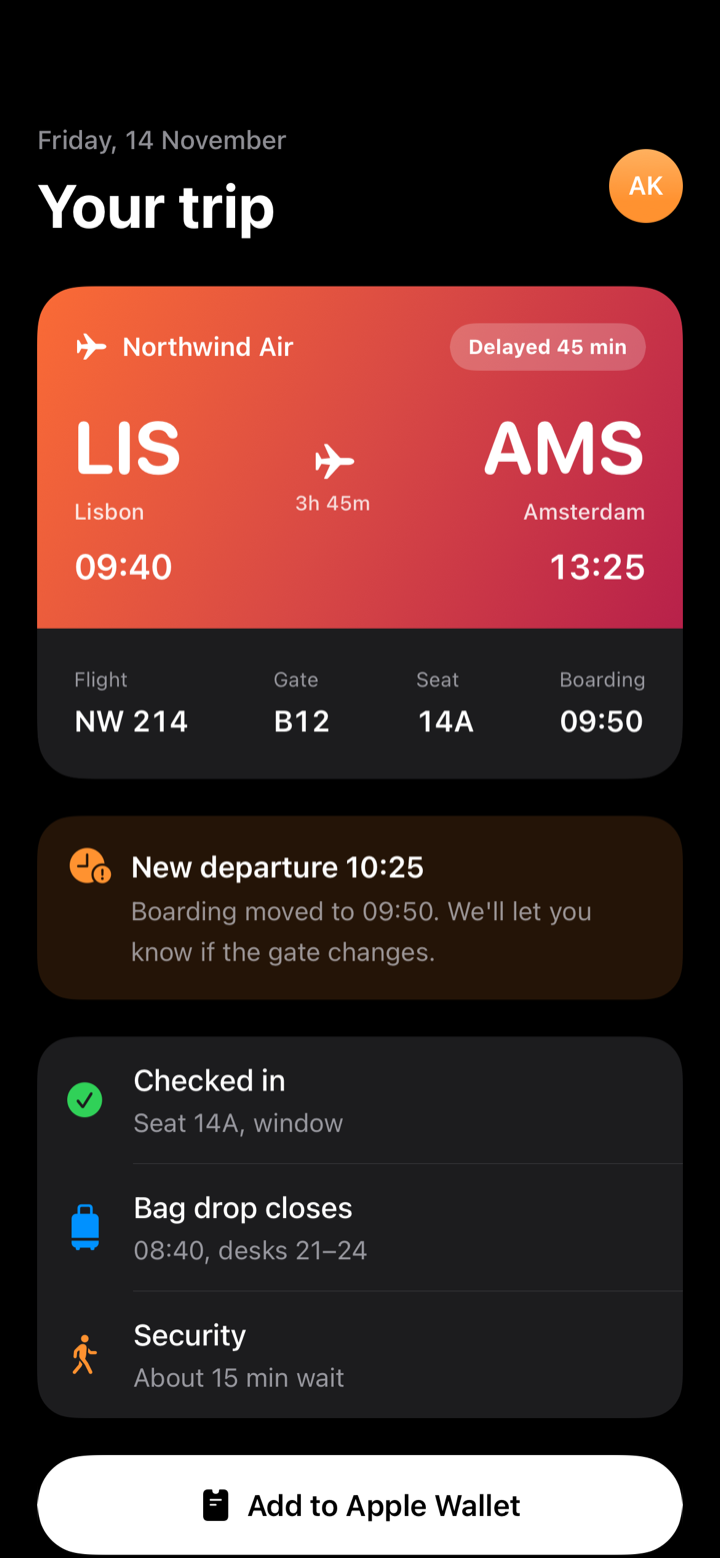
Login / loadingpassed
Login / readypassed
Login / errorpassed
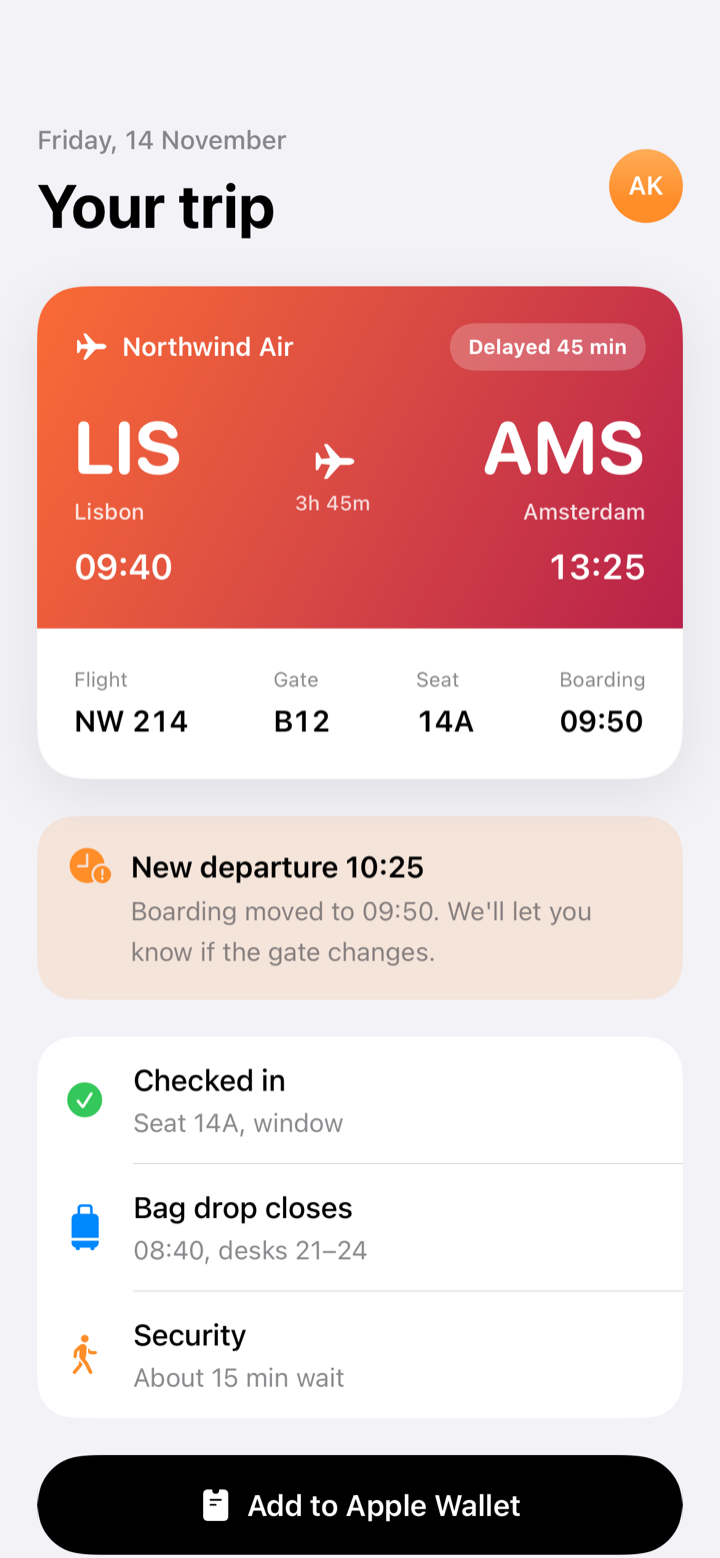
Prefire Playbook
Three steps

Keep writing previews.

Prefire handles the path from source code to generated output.

01 / PREVIEW

Describe the state

Use #Preview, @Previewable or PreviewProvider.

02 / GENERATE

Build the target

The plugin finds previews and generates Swift output.

03 / VERIFY

Test or browse

Run snapshots or open Playbook to inspect the same states.

Preview to confidence path
Install

Choose how Prefire runs.

Use the plugin in Xcode or SwiftPM. Use the CLI for explicit local and CI runs.

Xcode Build Tool Plugin

Add Prefire as a package dependency, then attach the test or Playbook plugin to the matching target.

Tests target  → PrefireTestsPlugin
App target    → PrefirePlaybookPlugin
Need custom paths, devices or templates?

Add .prefire.yml when the defaults no longer match your project. Project-specific control stays in the config.

test_configuration:
  target: PrefireExample
  simulator_device: "iPhone15,2"
  required_os: 16

playbook_configuration:
  preview_default_enabled: true
Open source

Your previews are already the fixture.

Let Prefire turn them into something the whole team can verify.